


How does review workflow work in big e-commerce websites?
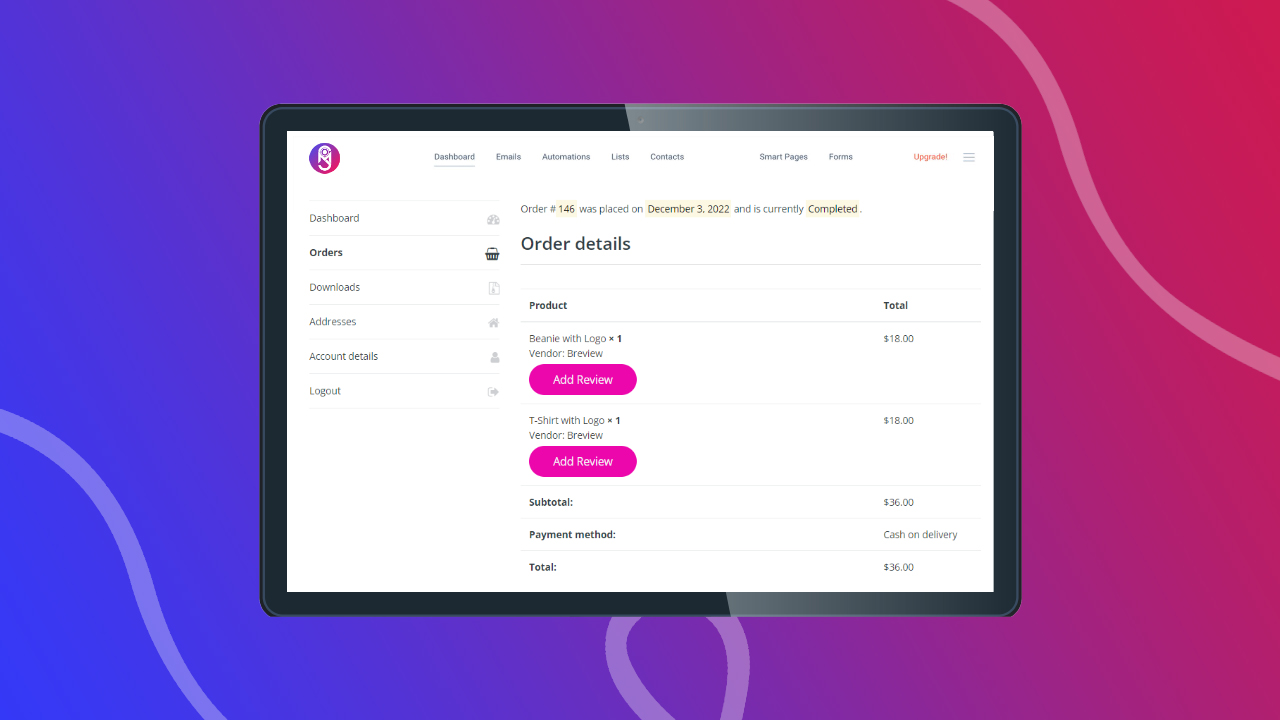
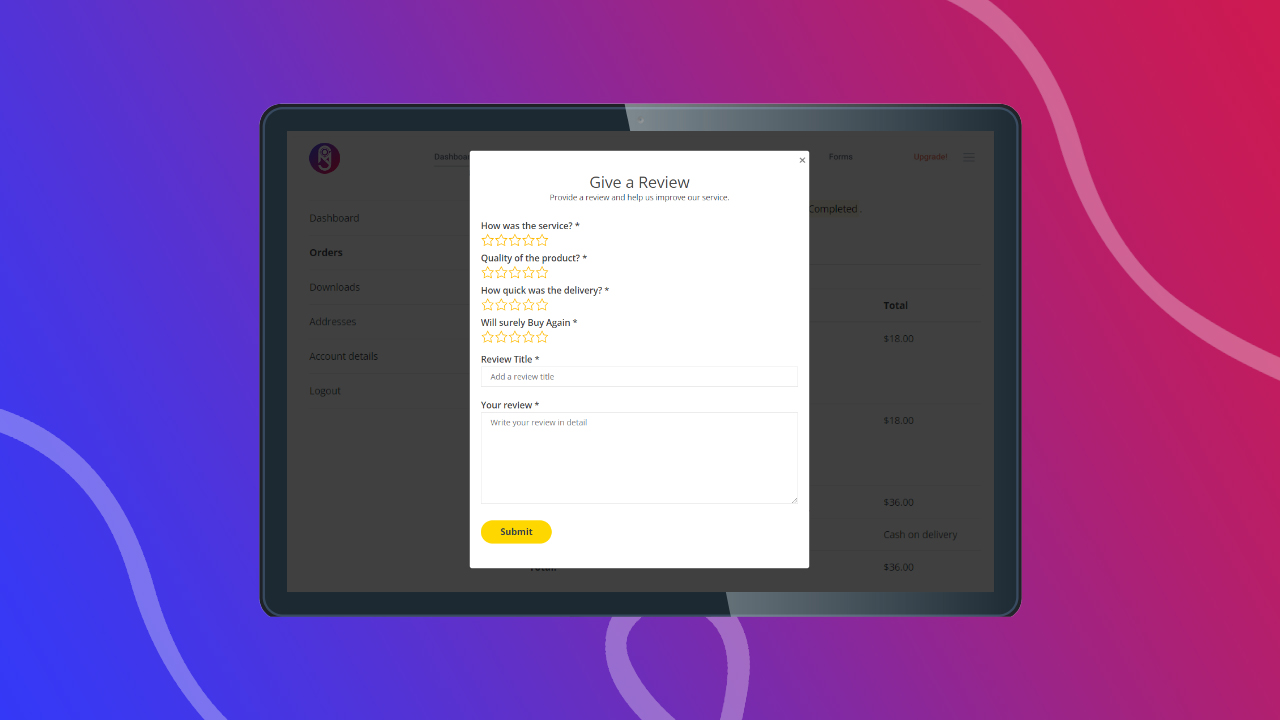
Traditionally, e-commerce websites let customers place an order and the seller delivers the product. Once the order is completed, customers can leave a product review right from the order page. This makes sure only customers who have purchased the product can provide a review once for each product in the order.
This way the customers of that specific marketplace know that all of the reviews on the website are legit. There are no spam or false reviews. So, once they see good reviews on a product, they purchase it.
Remember, Trust is the key to selling online.
What is the problem with WooCommerce review?
Unfortunately, the default WooCommerce review workflow doesn’t work like the traditional way as it should. Anyone can just go to a WooCommerce website like yours and give a review using the review form in the product page. This only captures spams not reviews from customers.
Let’s say, you have enabled the “Reviews can only be left by ‘verified owners'” setting. Somehow you made a sale to a customer and that customer can give as many reviews as s/he wants. When a customer knows this is a possibility, they know a specific product may have spam reviews even when this setting is enabled.


What is the impact of this on my business?
When the users see this type of flaw in the review capturing workflow of the website, they never trust the reviews of that website anymore and the result is you don’t make sales because customers tend to see reviews that can be trusted before proceeding with making any purchase online. Thus many great ideas fail in WooCommerce for not appearing trustable to its users.
Wouldn’t it be awesome if the WooCommerce review system worked like the other traditional e-commerce websites?
Don’t worry. Breview Pro has come to save you!
Breview Pro has answers to all of your problems regarding Woocommerce reviews!
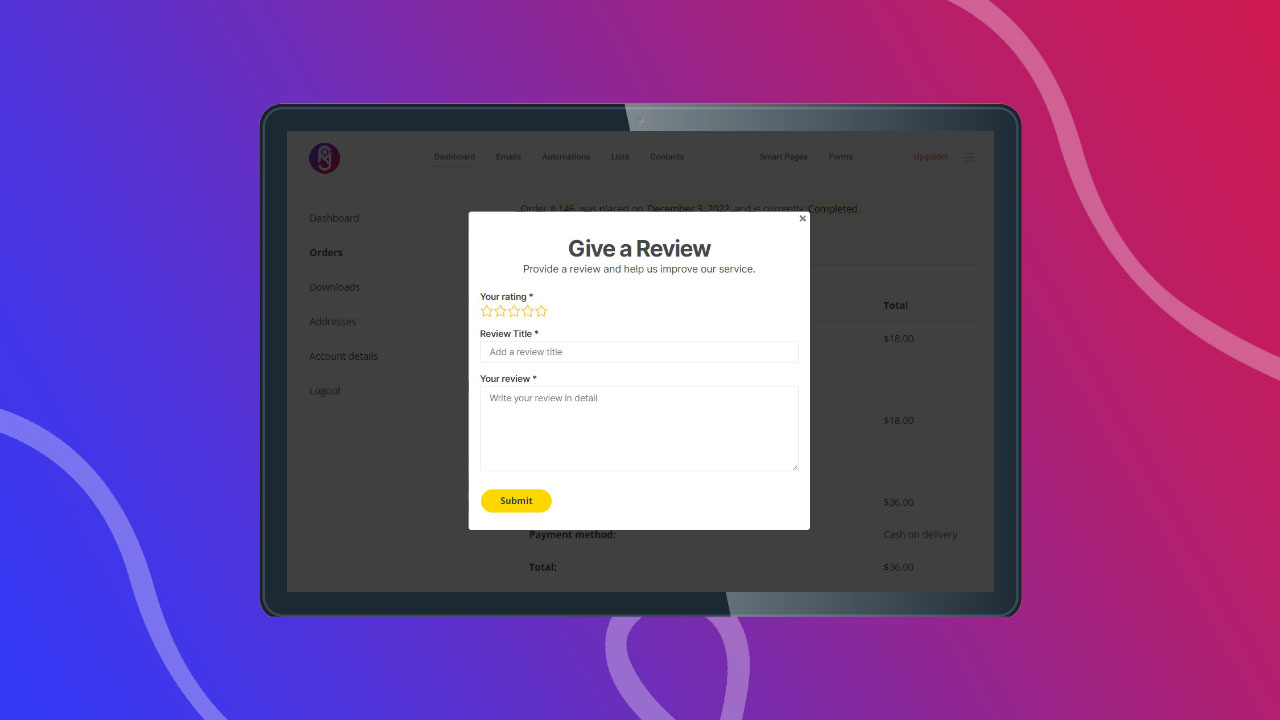
With Breview Pro, we have mastered the workflow of capturing reviews so that no users can give reviews to your products from the product page. The review form will be disabled from the Product page. From now on, customers will need to place an order and then after they receive their order, the Add Review feature will enable. Only then they can give a review to the product in that order, once.
This makes sure:

Try Before Purchasing
Try the Live Demo and know exactly what you will get.
Simple, Transparent Pricing
No feature limitation. No surprising Fees.
What Our Customers Are Saying About Us
Our customers gave us amazing feedbacks after using the products and services that we provide.

Breview is an excellent plugin, It fixes the issues and improves the review system that woocommerce has. For those of us who use WooCommerce, by adding Breview, we have a review system as good as any large e-commerce platform.

The customers on my marketplace were going to the product details page but were not adding them to the cart. But after adding Breview, customers now add the products to the cart when convinced by the reviews of a product. This has helped me save my business.

We have been using Breview for the last 6 months and have seen an increase in conversions in our marketplaces. I didn’t know adding this plugin will have a great impact of this scale in my business. 100% recommended.
Frequently Asked Questions
Please check the frequently asked questions and answers before contacting our support team. We may have covered your issue here.